
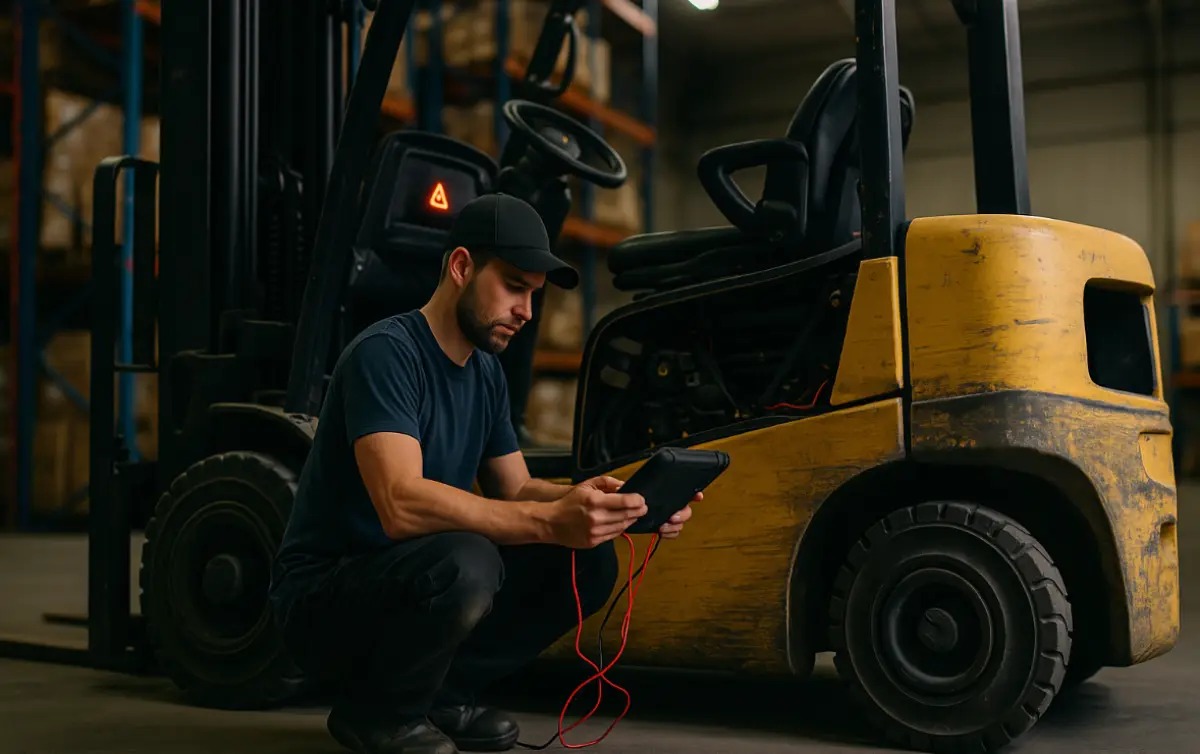
How to Clear Codes on a Yale Forklift: Step-by-Step 2026 Guide
To reset error codes on a Yale forklift (such as the GLP050 series), turn the key to ON without touching the accelerator, wait 3 seconds, and fully press/release the accelerator 5 times within 5 seconds. After 7 seconds, press and hold the accelerator for 10+ seconds until the dash flashes, then release to clear.
Why Error Codes Appear on Yale Forklifts
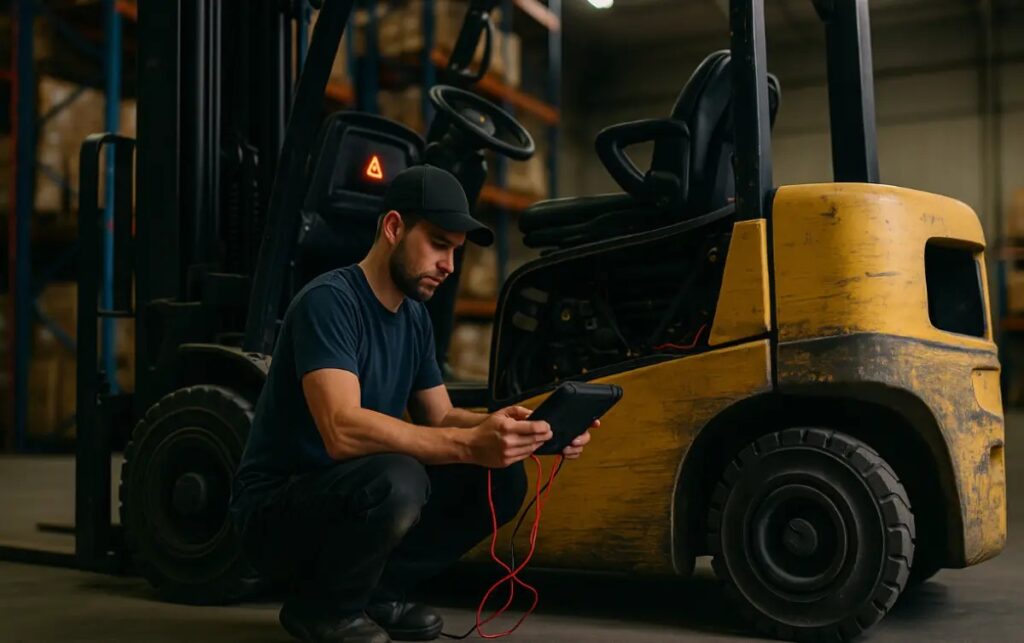
Yale forklifts (GLP, ERP, Veracitor, and ESC series) use an onboard diagnostic system that displays error codes when it detects issues with the motor controller, hydraulics, battery, sensors, or safety systems. Common triggers include low battery voltage, overheated components, faulty wiring, impact sensor activation, or operator errors. Clearing codes is often the first step after a repair or when the truck has been serviced. However, if the same code returns immediately, a deeper mechanical or electrical problem exists and requires professional diagnosis.
Main Accelerator Pedal Reset Method (Most Common)
This quick-reset sequence works on most modern Yale electric and LPG models:
- Park the forklift safely with the parking brake engaged.
- Turn the key to the ON position (do not start the engine).
- Wait 3 seconds without touching the accelerator.
- Fully press and release the accelerator pedal 5 times within 5 seconds.
- Wait 7 seconds.
- Press and hold the accelerator pedal for 10+ seconds until the dash display flashes or shows “CLEAr” or “rESEt”.
- Release the pedal. The truck should restart normally with codes cleared.
If the display does not flash, repeat the sequence exactly. Some models require the seat switch to be pressed (sit in the seat) during the process.
Access Codes/Service Menus
Many Yale forklifts allow deeper code access and reset through the service menu:
- Turn key ON.
- Simultaneously hold the ↑ and ↓ display buttons (or “Menu” + “Enter”) for 3–5 seconds.
- Scroll to “Service,” “Diagnostics,” or “Fault Codes.”
- Select “Clear Faults” or “Reset Codes.”
- Confirm and exit.
This method is preferred when the simple pedal sequence does not work or when you need to view stored fault history before clearing.
Impact Sensor Reset
Yale forklifts with impact sensors (common on ERP and GLP models) display a specific code after a collision or tip. To reset:
- Turn key ON.
- Hold the horn button while turning the key OFF then back ON.
- Or enter the service menu and select “Impact Reset.”
Always inspect the forklift for physical damage before resetting an impact code.
Pedal Codes and Alternative Methods
Some pedal-related codes require a different sequence:
- Press and hold the brake pedal while turning the key ON.
- Or cycle the direction lever forward-reverse 3–5 times within 10 seconds.
If the above fails, a factory default reset may be needed (usually performed by a dealer using a laptop and Yale diagnostic software). Never attempt a factory reset without proper training, as it can erase important calibration data.
How Do You Reset the Code on a Yale Forklift?
The most common and fastest method is the accelerator pedal sequence described above. It works on the majority of Yale electric models from 2015–2026. If your specific model does not respond, use the display button menu method or contact a Yale dealer. Always document the original code before clearing it so you can diagnose recurring issues. After resetting, test the forklift in a safe area and monitor for the same code reappearing.
Safety and Best Practices
Never clear codes to “hide” a problem — this can lead to serious accidents or equipment damage. Always fix the underlying cause first. Keep a record of cleared codes and service dates. If multiple codes appear or the truck enters limp mode, stop using it immediately and call a certified technician.
Conclusion
Clearing error codes on a Yale forklift is usually quick using the accelerator pedal sequence or service menu. Understanding the correct procedure saves time and keeps your equipment running safely. When simple resets do not solve the issue or codes return quickly, professional diagnosis is required. Regular maintenance and prompt code clearing help maximize uptime and safety in any warehouse or industrial setting.


Add a review
Your email address will not be published. Required fields are marked *